Simplify Your Shipping Process with AliExpress and Deftship Integration

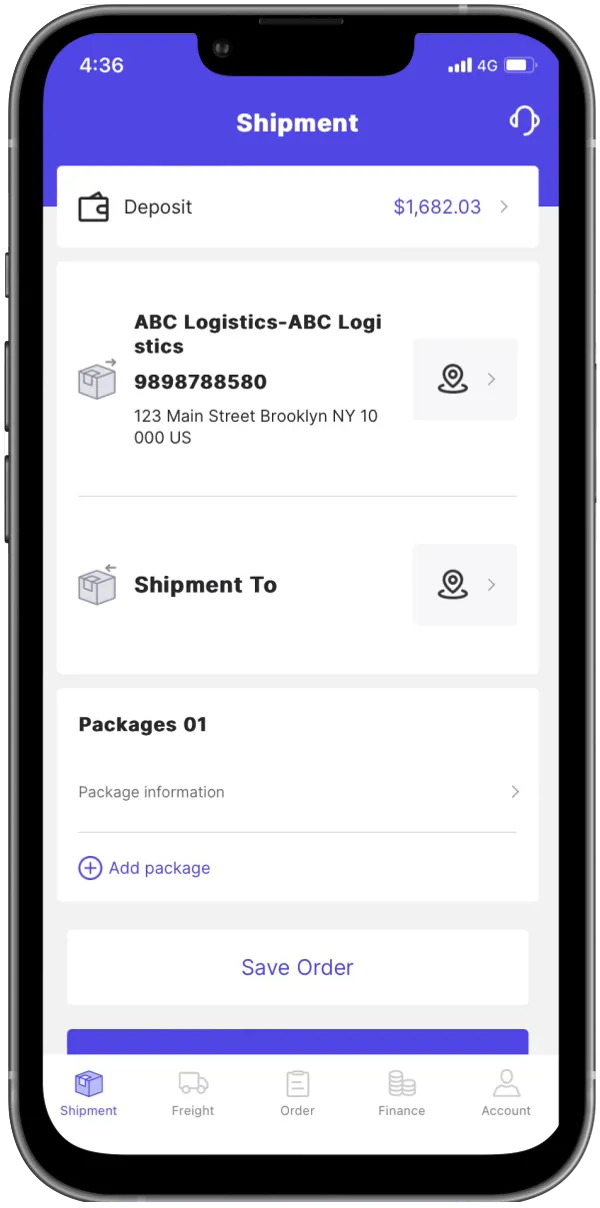
If you’re selling onAliExpress, managing multiple orders, tracking numbers, and couriers can quickly become a full-time job. Fortunately,DeftShipoffers a seamless way to automate your fulfillment — syncing your AliExpress store, shipping labels, and tracking updates in one smart platform.
Why Integrate AliExpress with DeftShip?
AliExpress sellers are often juggling several tools to manage sales, inventory, and deliveries. By connecting your store with DeftShip, you can:
Automaticallyimport AliExpress ordersto your DeftShip dashboard
Create and printshipping labels instantly
Accessdiscounted parcel and freight rates
Syncreal-time tracking updatesback to AliExpress
Manage multiple stores from asingle control panel
This integration eliminates manual uploads, reduces fulfillment errors, and speeds up your shipping process — so you can focus more on growing your store.
(Learn more about DeftShiphere).

Step-by-Step: How to Connect AliExpress to DeftShip
Here’s how to get your store integrated in just a few clicks:
Log in to your DeftShip account
Go toDeftship portal and sign in to your seller dashboard.Navigate to “Integrations”
On the left sidebar, selectIntegrations → Store → Connect New Store.Select AliExpress
From the list of e-commerce platforms, clickAliExpress.Authorize via AliExpress
You’ll be redirected to the officialAliExpress Seller Portalto grant DeftShip access to your store data.Complete the setup
Once authorized, your store will automatically sync, and orders will begin importing to your DeftShip dashboard.
For a detailed walkthrough with screenshots, visitHow to integrate your AliExpress Store to your Deftship.
What Happens After Integration?
Once your AliExpress store is connected, DeftShip automatically:
Imports all your ordersin real time
Allows instantlabel creation and printing
Updatesorder trackingdirectly to AliExpress customers
Lets you manage shipping preferences and rules
Tracks shipping analytics across carriers
This automation helps sellers focus on marketing and growth instead of repetitive logistics.
Pro Tips for a Smooth IntegrationTest with a few orders before going live.
Double-check yourAliExpress credentialsbefore syncing.
Use DeftShip’sautomation settingsto assign carriers or auto-mark orders as shipped.
Regularly reviewtracking performanceto identify delays or errors.
Check theDeftShip Help Centerfor updates or troubleshooting.
Test with a few orders before going live.
Double-check yourAliExpress credentialsbefore syncing.
Use DeftShip’sautomation settingsto assign carriers or auto-mark orders as shipped.
Regularly reviewtracking performanceto identify delays or errors.
Check theDeftShip Help Centerfor updates or troubleshooting.
Connecting yourAliExpress store to DeftShipis more than just a convenience — it’s a productivity boost. With automated syncing, shipping label generation, and real-time tracking, you’ll cut down on manual work and keep your customers happier with faster delivery times.
Ready to start?
VisitDeftShipand experience a smoother, smarter shipping process for your AliExpress business.

Thank you for choosing Deftship as your logistic solution provider.
You can create a shipment
anywhere, anytime!